

Apps and Devices
Complete reference of the MooveTeam application ecosystem — the player app (MooveXR), the CMS back-office, and device compatibility.
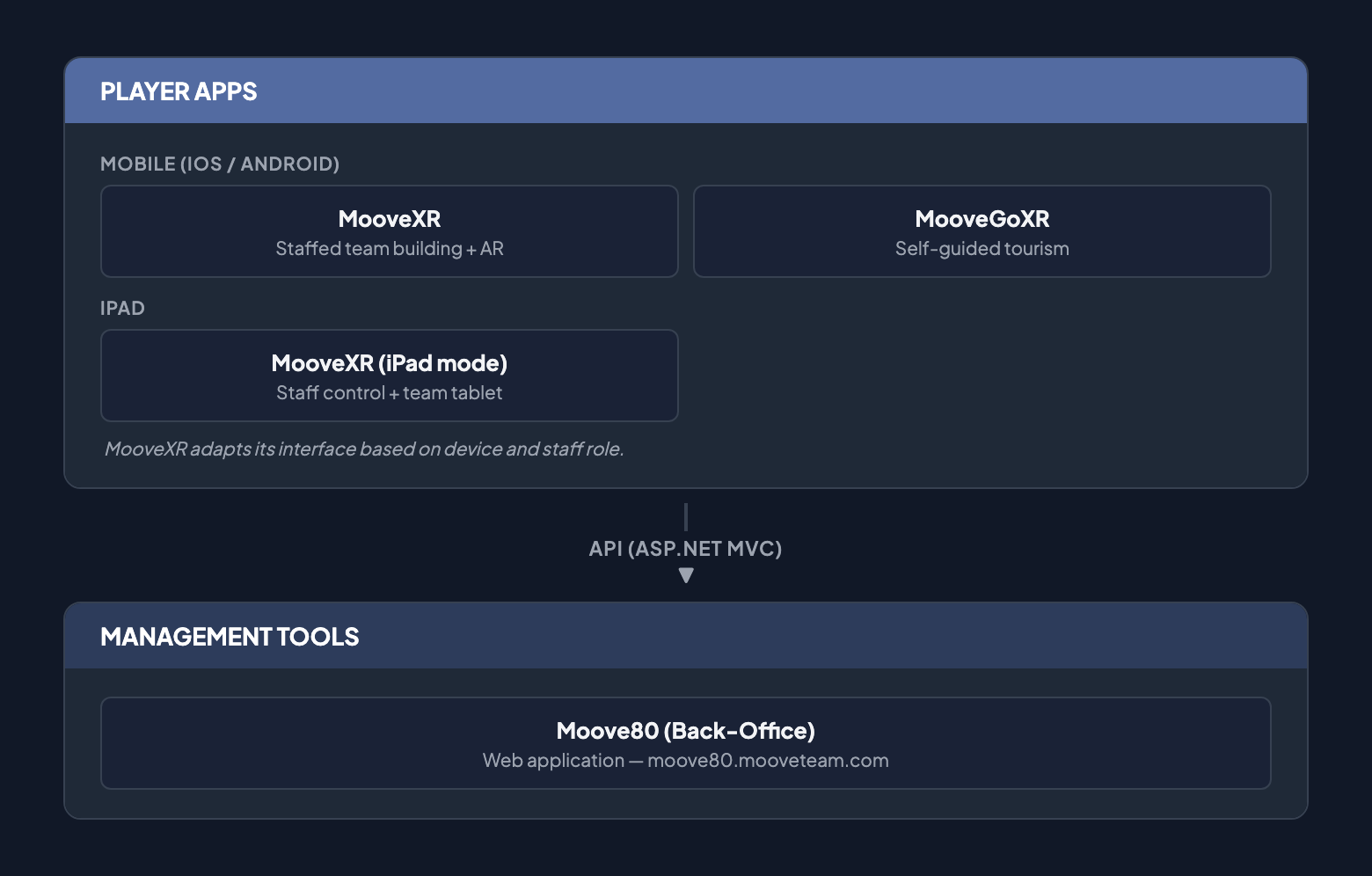
App Map
Section titled “App Map”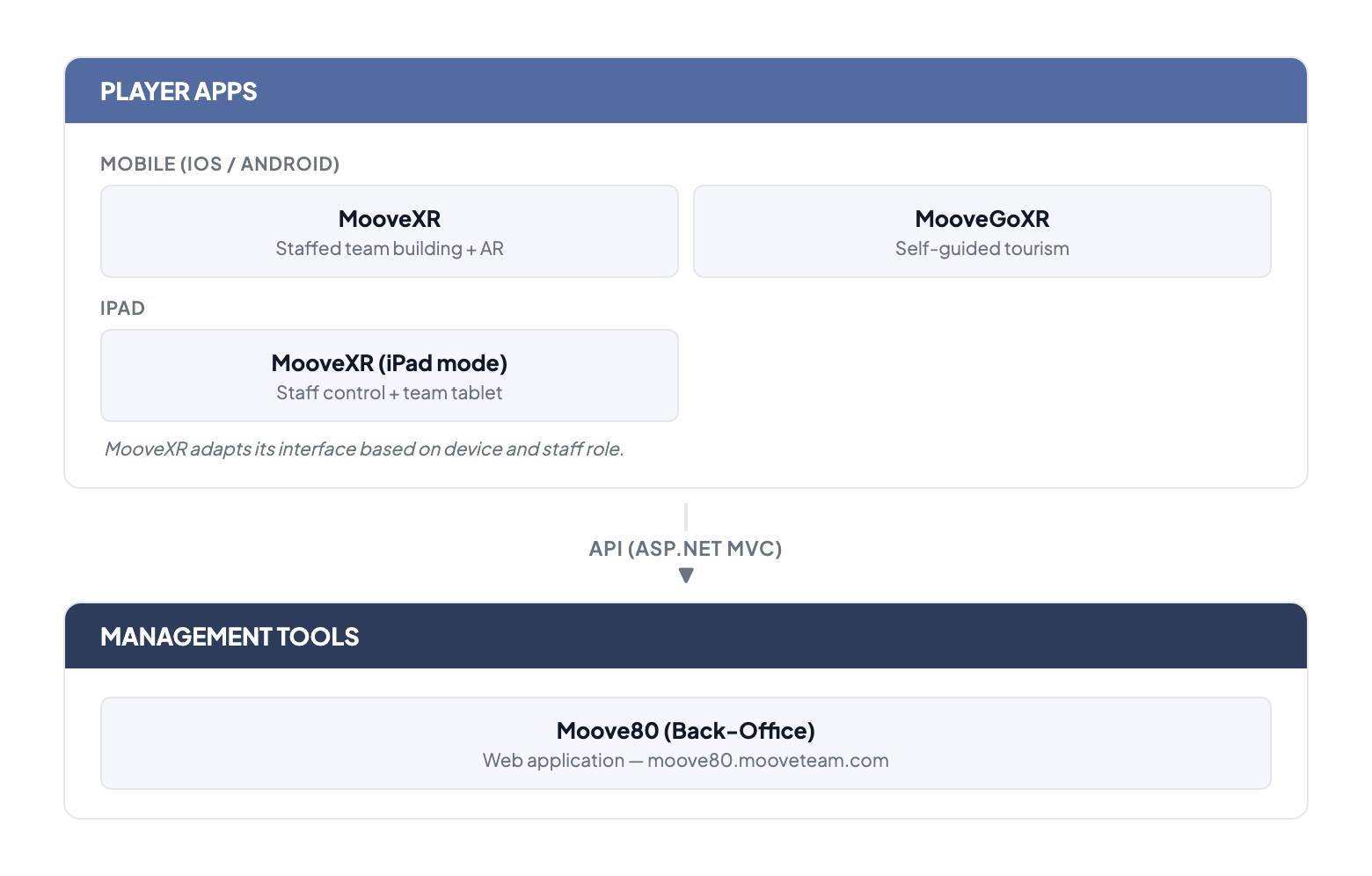
Mobile Apps (iOS / Android)
Section titled “Mobile Apps (iOS / Android)”MooveXR
Section titled “MooveXR”The player app for team-based experiences — indoor, outdoor, and hybrid. MooveXR supports 13 challenge types, GPS navigation, team chat, gadgets, ranking, and augmented reality features. Staff can manage events in real time via a dedicated staff mode.
| Property | Detail |
|---|---|
| Platforms | iOS, Android |
| Model | Team-based experiences — typically with an organizer or facilitator coordinating on-site |
| Features | 13 challenge types, GPS map, AR, chat, gadgets, ranking, staff mode, themed experiences |
Tablet Support
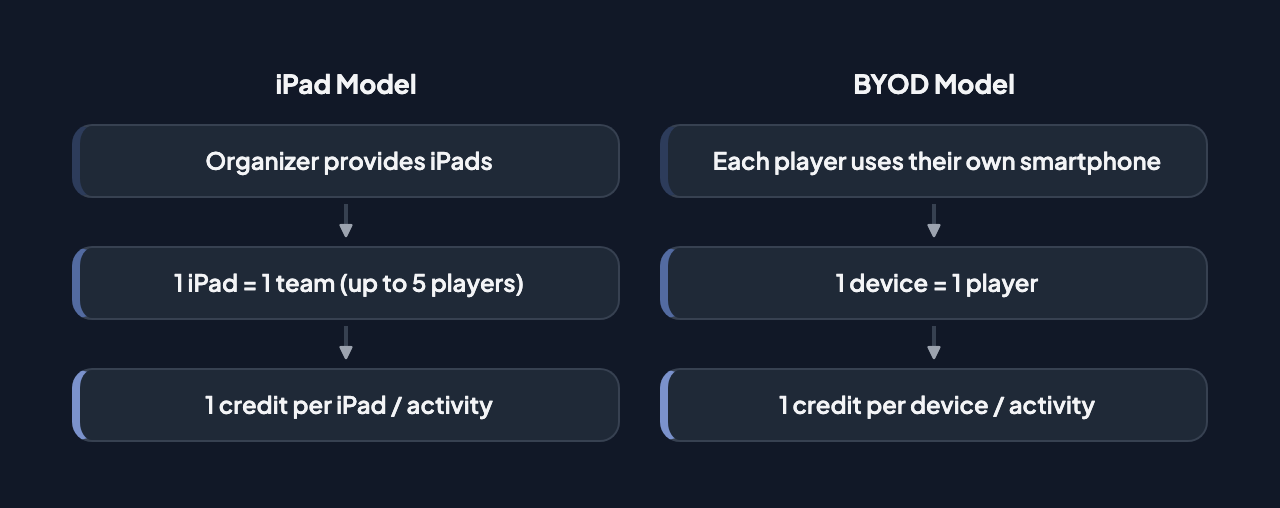
Section titled “Tablet Support”MooveXR runs on tablets (including iPads) — there is no separate tablet app. The same MooveXR application adapts its layout to the larger screen. Organizers often provide tablets for on-site staff evaluation or for teams sharing a single device.
| Property | Detail |
|---|---|
| App | MooveXR (same build as phones) |
| Credits | 1 tablet = 1 credit (up to 5 players per device) |
| Staff features | When logged in as a staff team, MooveXR shows a staff control bar for managing the event in real time |
MooveTeam CMS (Back-Office)
Section titled “MooveTeam CMS (Back-Office)”Web-based administration panel for designing and managing events.
| Property | Detail |
|---|---|
| Type | Web application (browser-based) |
| Access | Web (browser) |
| Authentication | Username/password |
Main Sections
Section titled “Main Sections”| Section | Function |
|---|---|
| Home | Dashboard with event and team summary |
| Events | Create, edit, and manage events (core of the system) |
| Gallery | Multimedia gallery (images, videos, audio) |
| Stats | Usage statistics |
| Track | Live GPS tracking |
| My Data | Personal account data |
| Mail Settings | Email configuration |
| API Keys | API integration keys |
| AR Scenes | Augmented reality scene management |
| Credits | Credit management and purchase |
| Tags | Tags for organizing events |
Premium User Accounts
Section titled “Premium User Accounts”User accounts with premium status display a crown icon () next to their name. Premium accounts have access to advanced features such as segment switching lock, active segment ranking, and hide chat, among others.
Device Compatibility
Section titled “Device Compatibility”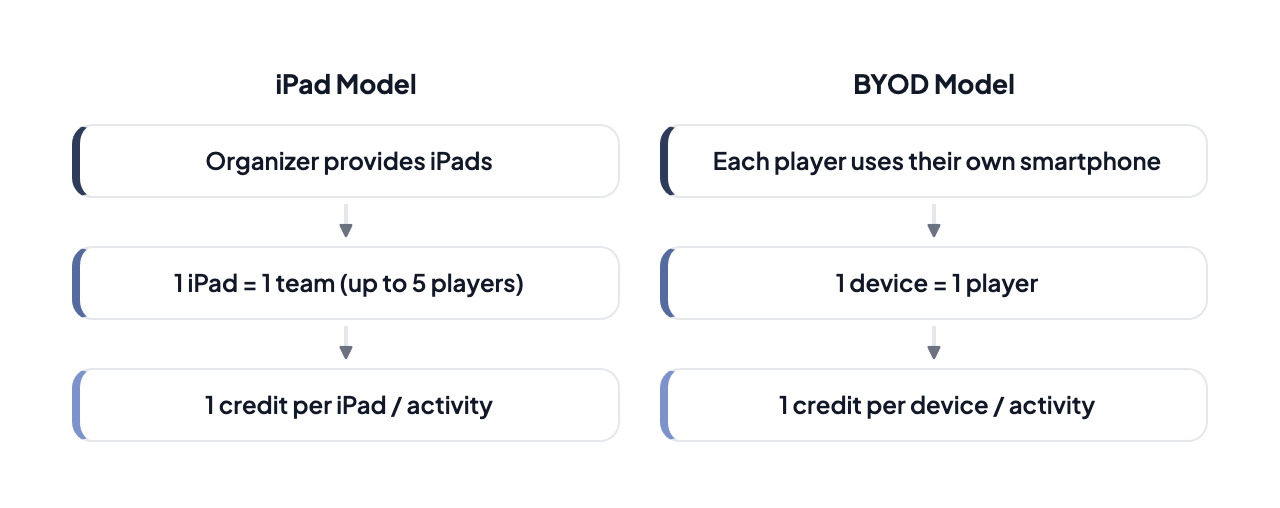
Connectivity
Section titled “Connectivity”| Mode | Requirements | Support |
|---|---|---|
| Online | Internet connection + GPS | Full |
| Offline | No connection, pre-loaded data | Partial (improved MooveXR) |
| Indoor venues | WiFi + QR / activation code | MooveXR with QR or code activation |